Convert adaptive M3U8 streams to MP4
Resolve master playlists, compare variants, and choose the source quality before segment download begins.
Paste a public HLS playlist, inspect its variants, and convert authorized VOD media to MP4, MKV, WebM, or MP3. Processing stays on this device — nothing is uploaded.
Only process media you own or are authorized to use. This tool does not bypass DRM, authentication, or source access controls.
The page is a working media utility first, with the diagnostics needed to explain why a source succeeds or fails.
Resolve master playlists, compare variants, and choose the source quality before segment download begins.
Copy compatible encoded streams into MP4 quickly, or choose H.264/AAC re-encoding for broader playback support.
The browser requests media from the source and runs FFmpeg.wasm locally. This site has no video upload endpoint.
See VOD/live status, segment count, estimated size, container type, codecs, and encryption markers before a large job.
An M3U8 file is a text manifest, not the finished video. The converter follows the selected media playlist, downloads each referenced segment in order, and assembles a temporary input for FFmpeg.wasm.
Fast remux mode copies compatible tracks into a new container. Balanced and compact modes decode and encode the media again when compatibility or file size matters more than speed.
Because everything runs on WebAssembly, the same M3U8 to MP4 converter works in Chrome, Edge, Firefox, and Safari on Windows, macOS, Linux, and Chromebook — with no software installation and no account.
Read the complete M3U8 to MP4 guide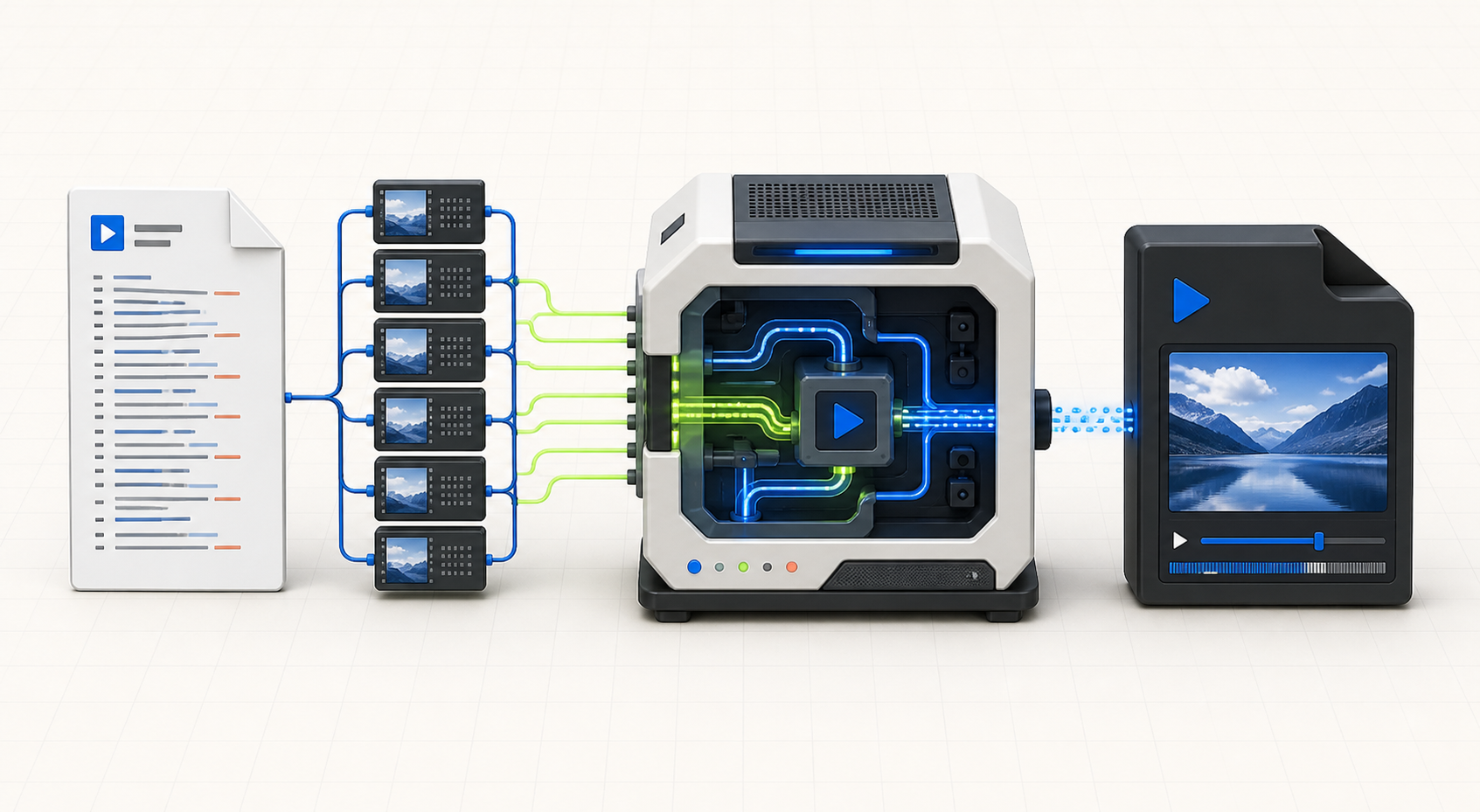
Analyze first, choose deliberately, then let the browser perform the data-heavy work.
Use the master or media manifest, including any valid signed query parameters.
Confirm VOD status, select a variant, and check estimated size and protection markers.
Keep original quality when possible, or re-encode for wider device compatibility.
The result is offered by your browser and can be downloaded again from the finished job state.
Browser media conversion has real boundaries. These answers explain CORS, live playlists, encryption, memory, and quality.
Yes. The playlist and its media segments are requested directly by your browser, then FFmpeg.wasm processes them in local browser memory. M3U8toMP4.org does not receive or store the video bytes.
Browsers can only fetch a playlist and its segments when the source permits cross-origin access. A URL may work in a media app yet still be blocked in a web page because the server does not return the required Access-Control-Allow-Origin header.
The converter handles completed VOD playlists marked with EXT-X-ENDLIST. Live playlists continually add segments, so use the online HLS player for testing or a desktop recording workflow for authorized live capture.
No. The tool reports encryption markers but does not bypass AES keys, DRM, authentication, cookies, or access controls. Use it only with an unencrypted source you own or have permission to process.
Remux copies the existing audio and video streams into a new container, so it is fast and preserves quality. Compatible conversion re-encodes the media to H.264 and AAC, which takes longer but works with more players and editors.
Available RAM is the practical limit. This tool warns on large estimates and blocks jobs above about 1 GB. For long or high-bitrate media, use the generated desktop FFmpeg command instead.
The converter runs on WebAssembly, so any modern desktop browser works — Chrome, Edge, Firefox, and Safari on macOS, Windows, Linux, and ChromeOS. No software installation or account is required.
Analyze the playlist first. The browser will tell you what it can process before downloading every segment.
Open the converter